
結婚式招待ビデオメーカー — AI搭載
写真をアップロード、スタイルを選択 — AIが美しい結婚式招待ビデオを作成。アニメーション、パーソナライズ、WhatsApp・Instagramですぐ共有可能。
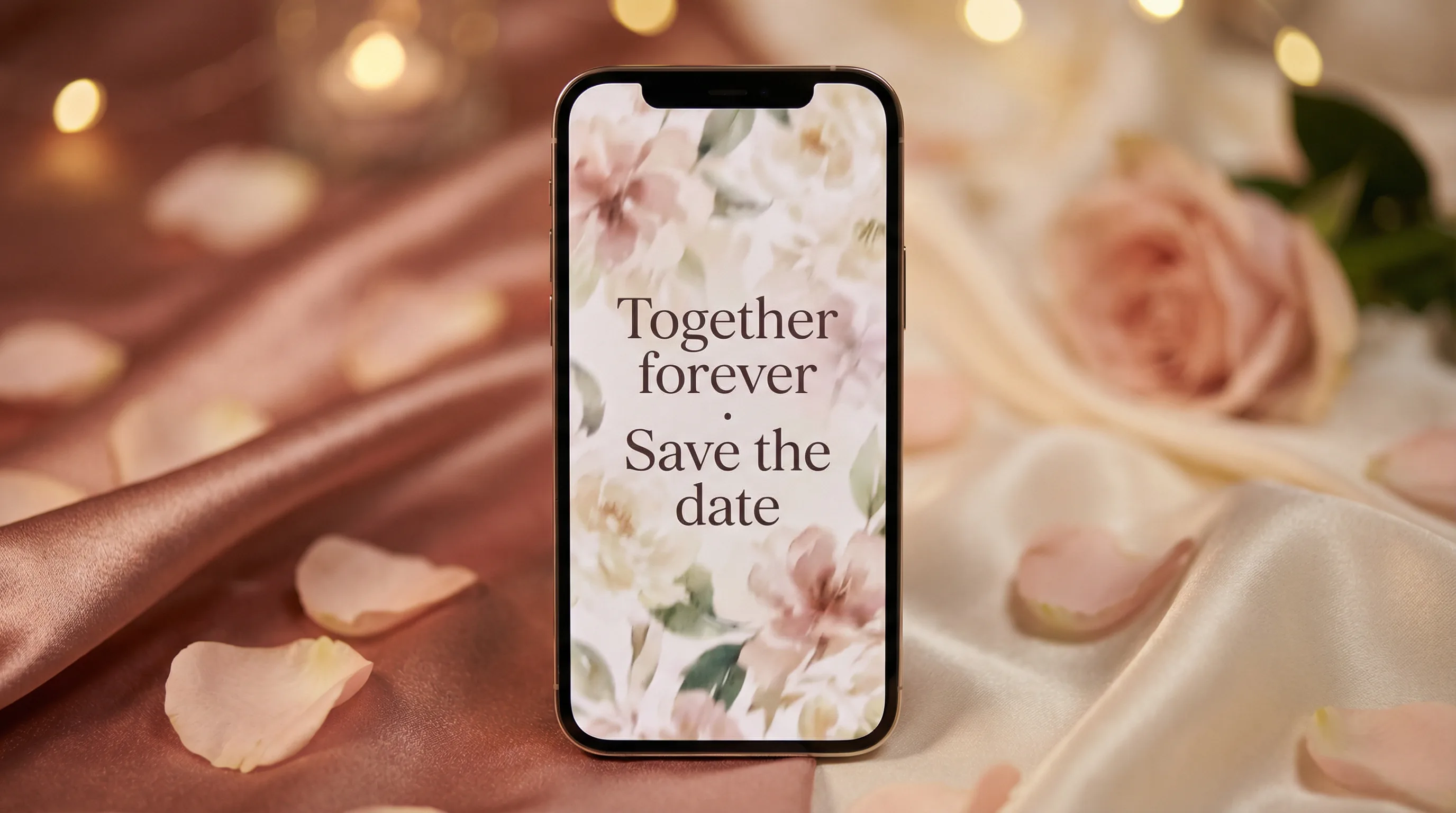
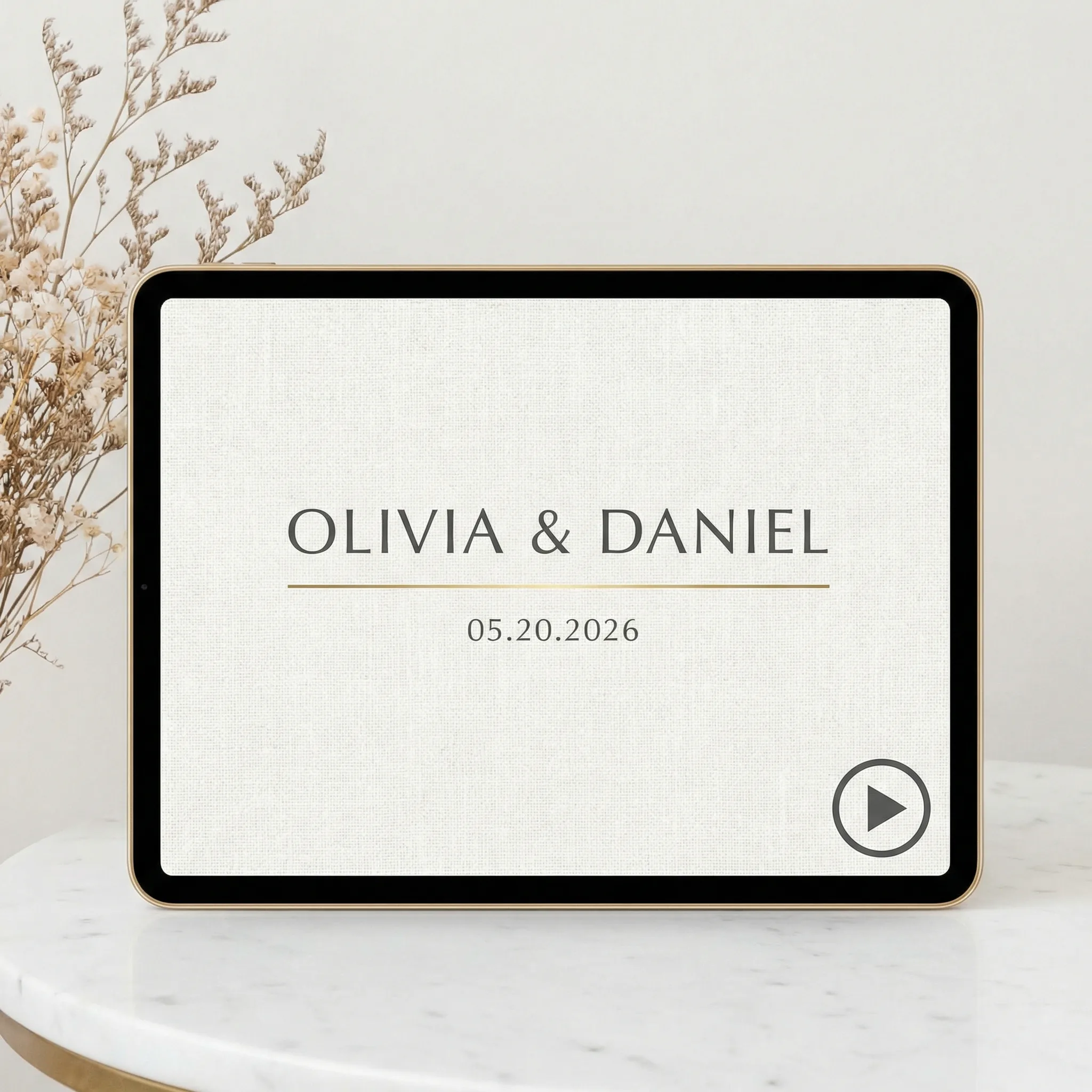
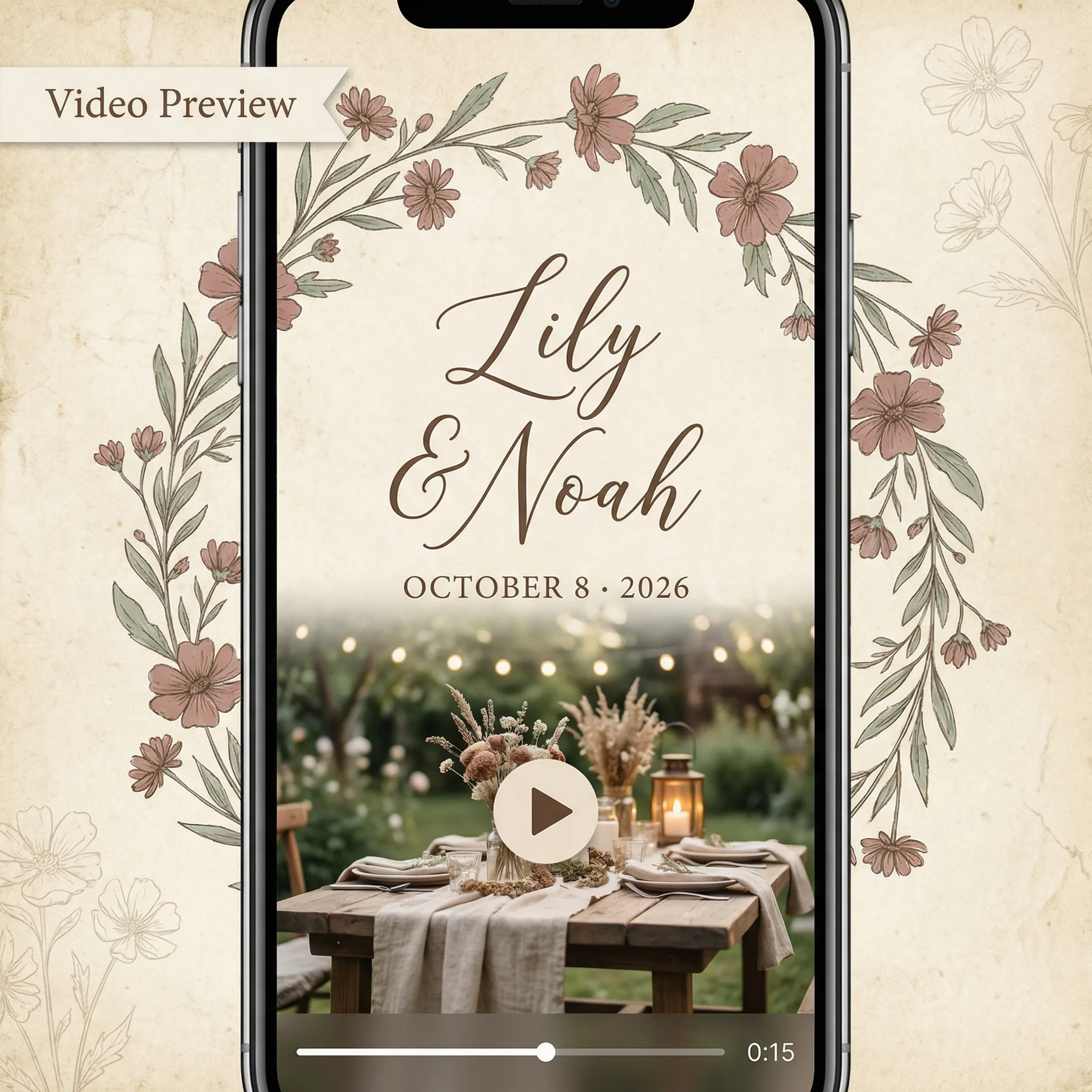
ウェディング招待動画は、従来の紙の招待状に代わる短いアニメーション動画です。カップルの写真、名前、日付、会場情報を映画的な動きと音楽で組み合わせ、WhatsApp、Instagram、メール、結婚式ウェブサイトで簡単に共有できます。
ウェディング写真をアップロード
3 to 8 photos · couple shots, candid moments, ceremony
写真をドラッグまたはクリックしてアップロード
3-8 photos · JPEG, PNG, WebP · Max 10MB each
新郎新婦の情報
Names, date, venue — appears as on-screen text in the video
結婚式の詳細
* は必須項目
Upload 3 to 8 photos to continue
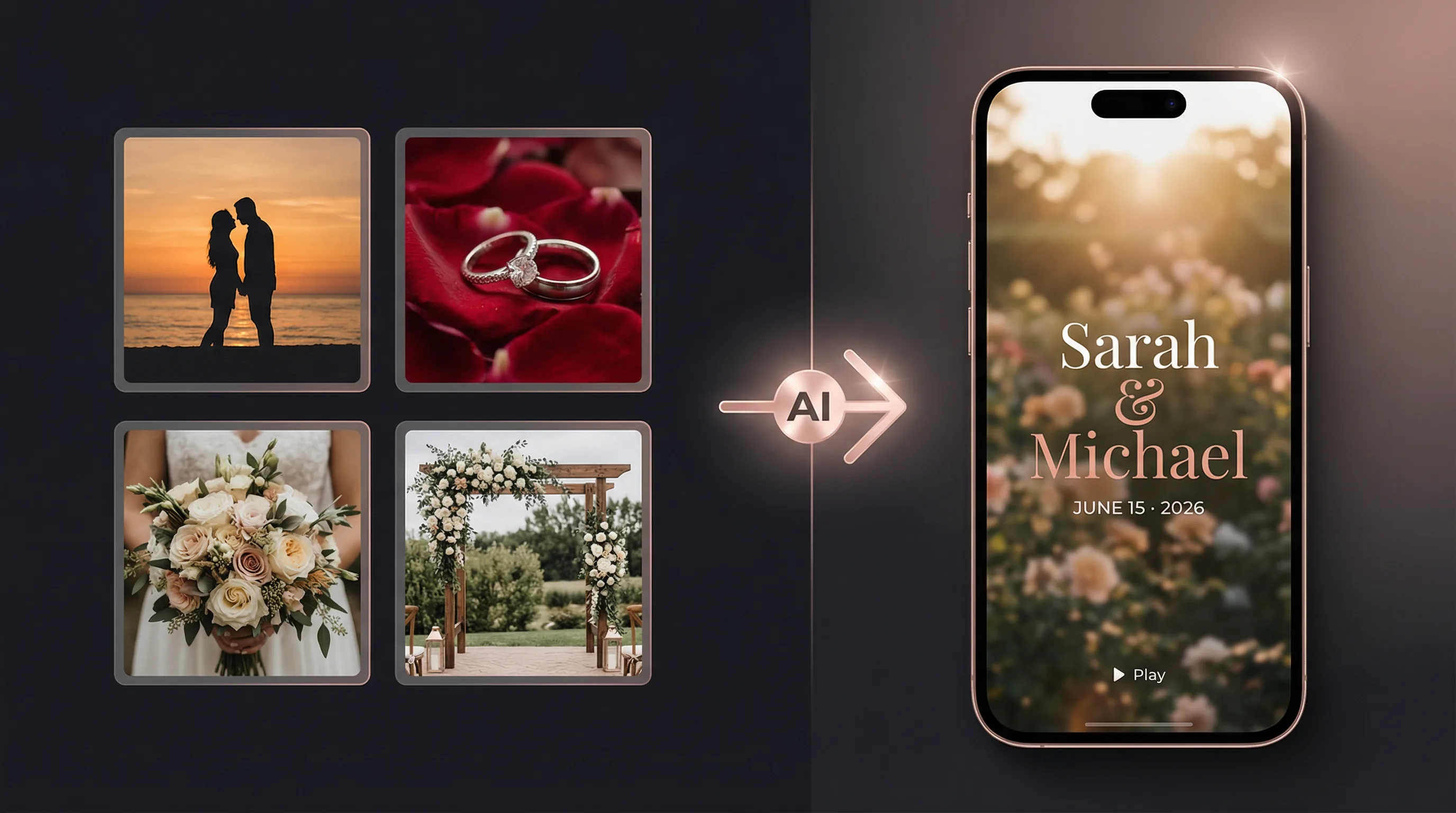
写真から映画的なウェディング動画へ
Upload still photos. AI directs the shots, picks the music, and renders a finished video — no editing required.
無料ウェディング招待動画テンプレート
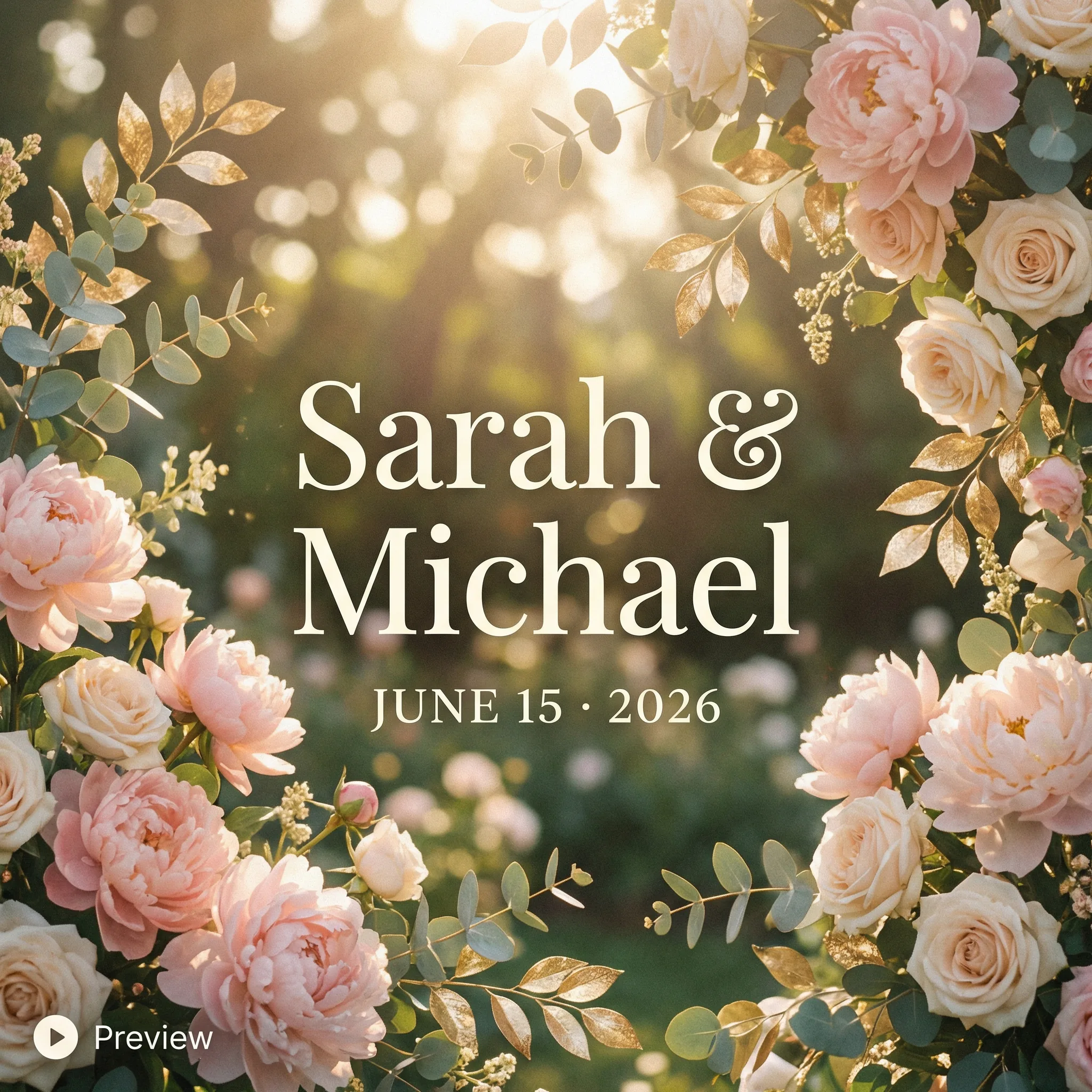
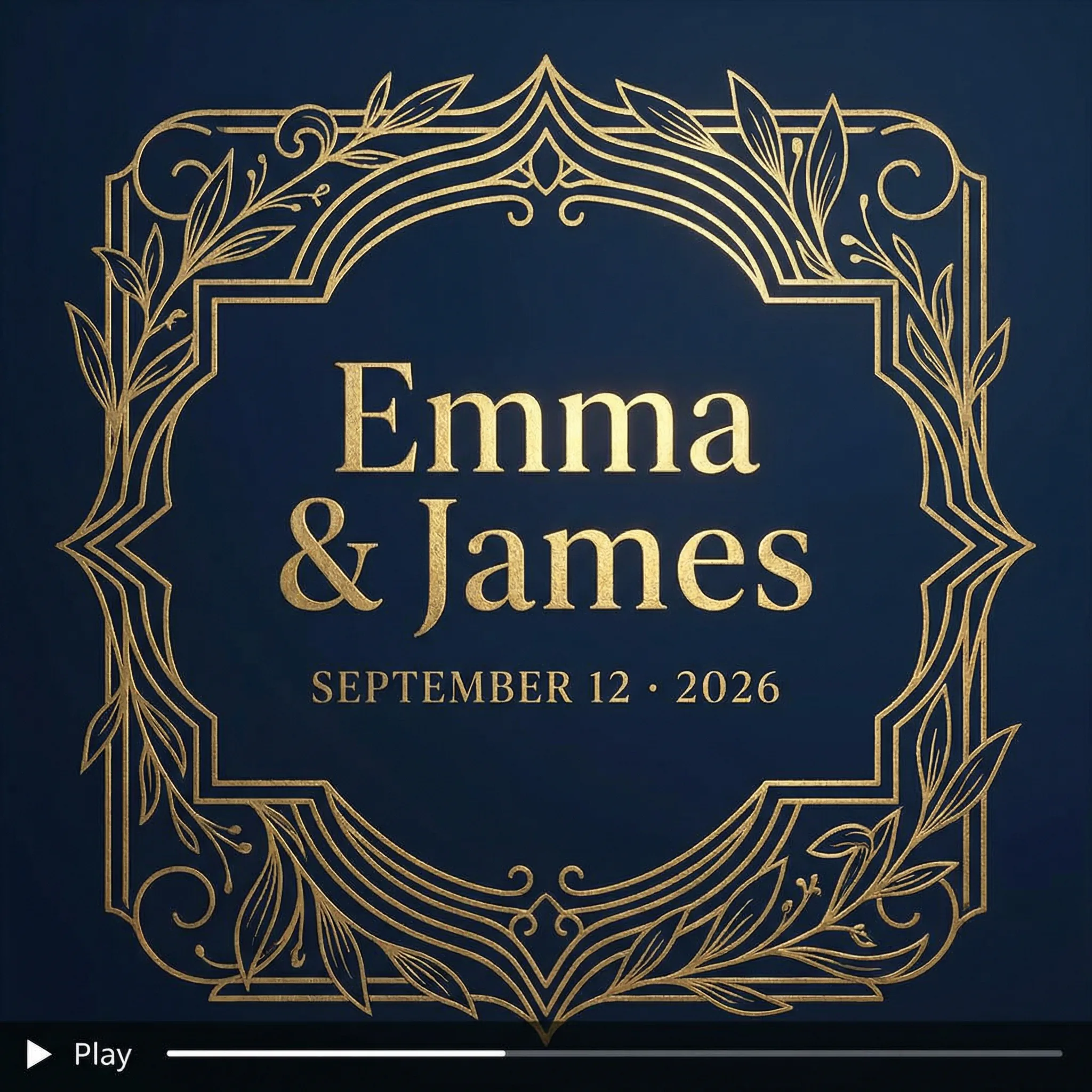
Choose a style — your photos, names, and date are auto-applied to every template.
Wedding Invitation Video Use Cases & Examples
Animated Wedding Invitation Videos
Replace paper invitations with a stunning animated wedding invitation video. Names, dates, venue — all elegantly animated. Share via WhatsApp, email, or social media. Save printing costs and impress every guest.
試すFree Wedding Invitation Video Templates
Choose from beautiful wedding invitation video templates — romantic floral, elegant gold, modern minimalist, vintage. Download your finished video as MP4 for free. No watermarks, full commercial rights.
試すSave-the-Date Videos
Send a save-the-date video months before the wedding. Upload engagement photos, add romantic music — AI turns them into a cinematic teaser that builds excitement.
試すCeremony Highlight Reels
Turn wedding day photos into a highlight reel — ceremony, reception, first dance, group shots — all set to music with smooth transitions.
試すEngagement Announcement Videos
Announce your engagement with a personalized video. Upload photos of the proposal, add your story — share with family and friends on social media.
試すWedding Anniversary Videos
Celebrate anniversaries with a montage of photos from your journey together. A heartfelt video gift that gets better with every year of memories.
試すThank You Videos
Send personalized thank-you videos to guests after the wedding. More memorable than a card, easier than calling everyone individually.
試すAI Wedding Invitation Video Maker Features
Beautiful Wedding Styles
Romantic floral, elegant gold, modern minimalist, rustic vintage — multiple styles designed specifically for weddings.
Photo to Video Magic
Upload still photos and watch them come alive with smooth camera movements, transitions, and parallax effects.
Music & Text Overlays
Add romantic background music and customizable text — names, dates, venues, love quotes. Everything synced to the rhythm.
Easy Sharing
Download as MP4 or GIF. Share directly to WhatsApp, Instagram Stories, Facebook, email, or embed in your wedding website.
Transparent Pricing
$0.80 per wedding invitation video (80 credits). New accounts get 60 free credits at signup. No watermarks, no subscription required, full commercial rights included.
使い方
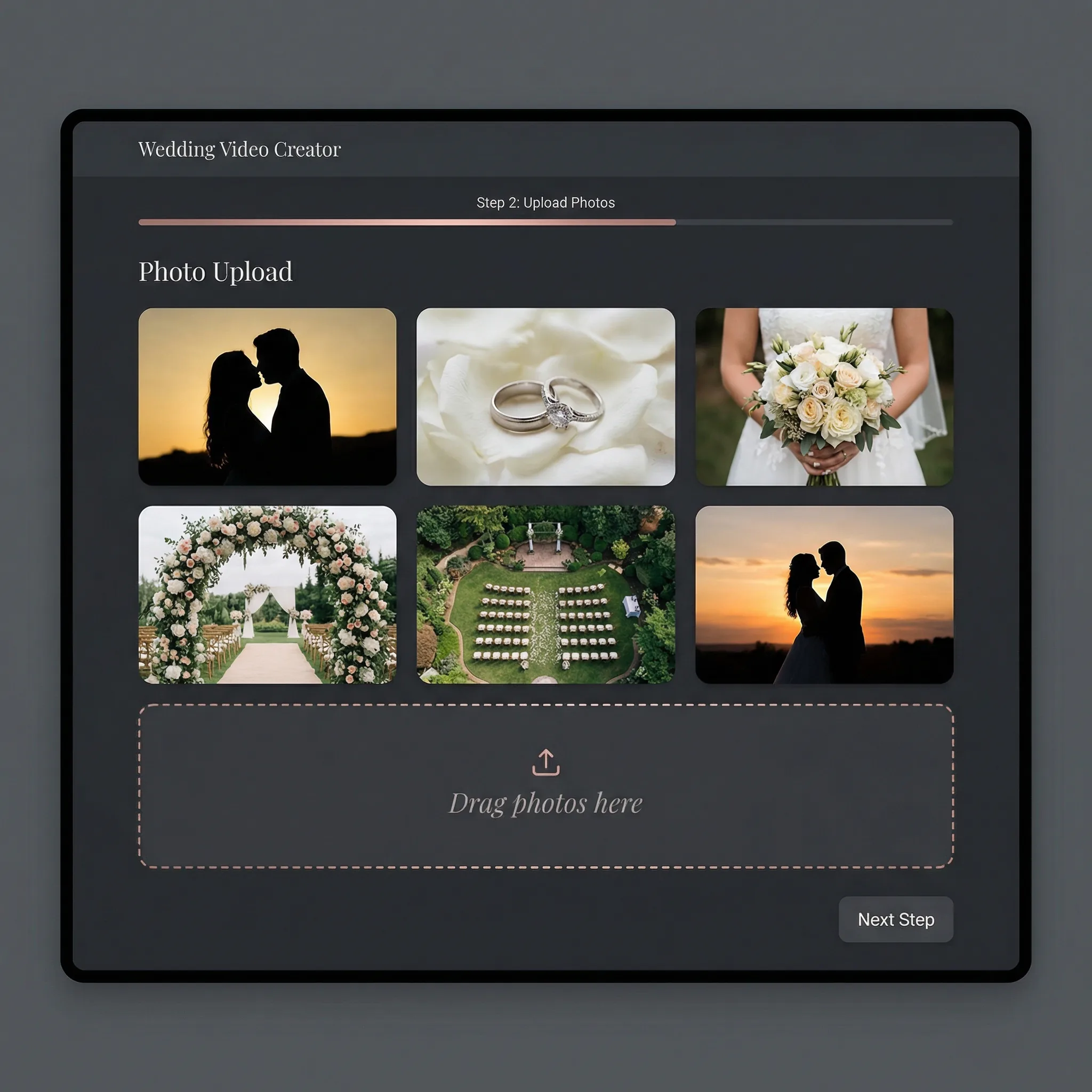
Upload your photos
Upload couple photos, engagement shots, or wedding day pictures. The more photos, the richer the video.
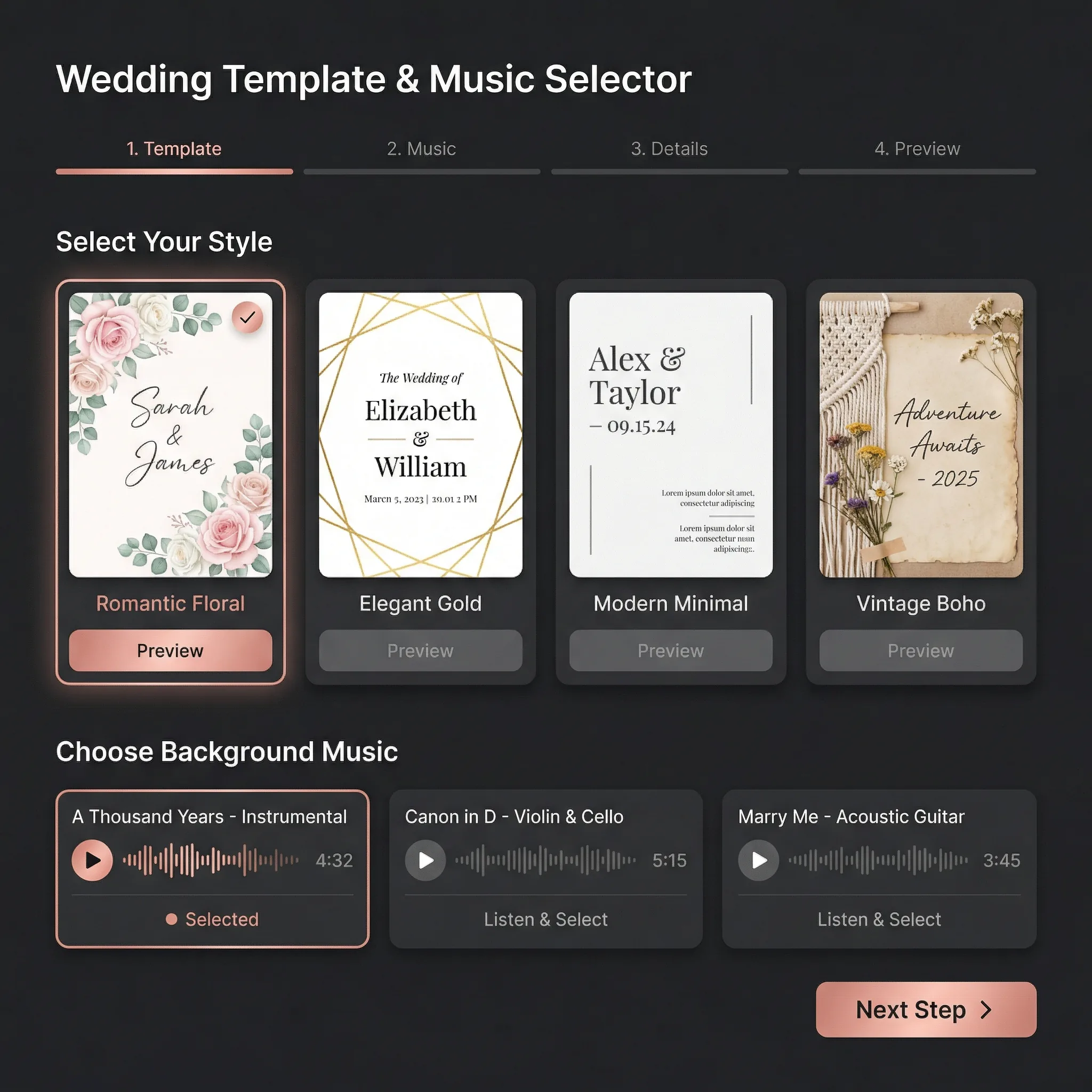
Choose style & music
Pick a visual style — romantic, elegant, modern, or playful. Add background music that matches the mood of your celebration.
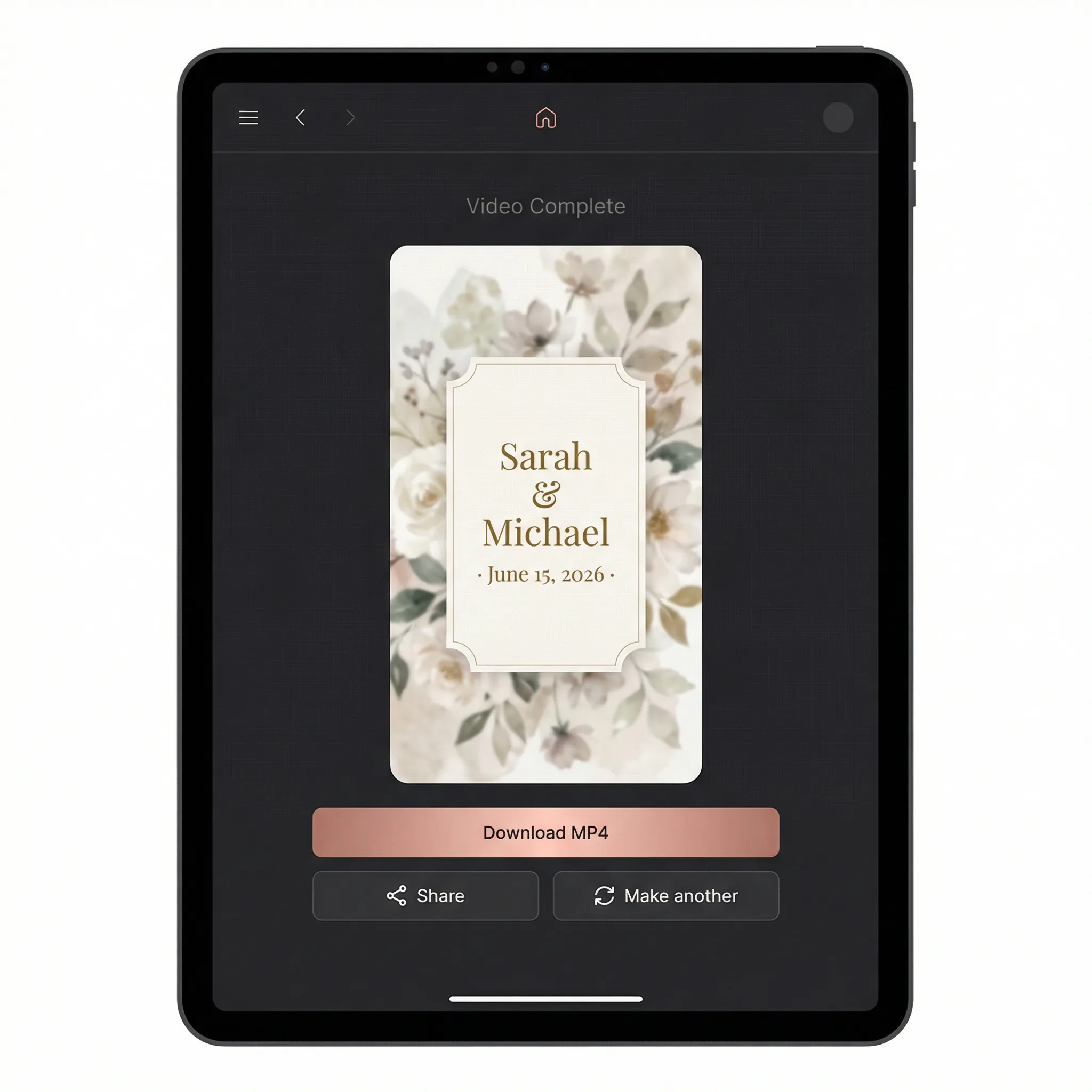
Download & share
Your wedding video is ready in minutes. Download in HD and share on WhatsApp, Instagram, email, or embed in your wedding website.
How Vimod AI Wedding Video Maker Compares
| 機能 | Vimod AI | 従来 |
|---|---|---|
| Turnaround time | 5-10 minutes | Canva: 30-60 min editing • Studio: 1-2 weeks |
| Cost per video | $0.80 (80 credits) | Canva Pro: $14.99/mo • Studio: $200-2000 |
| Editing skill required | Zero — upload & fill form | Canva: drag-and-drop timeline • Studio: client briefs + revisions |
| Real camera motion | Yes — Kling 2.6 image-to-video, 5s per shot | Canva: only zoom/pan • InVideo: pre-canned transitions |
| Personalization | AI directs photo order + motion + music per project | Same template every user — looks identical |
| Commercial use rights | Unlimited, no attribution, no royalties | Canva Free: limited • Music licensing extra |
| Output quality | 1080p MP4 with serif typography + cinematic LUT | 720p-1080p depending on plan |
結婚式以外も作りたい?フル機能の AI動画ジェネレーター — 20以上のモデル、テキスト/画像から動画、ワンストップ。